5 min read
Dennis
Silent Squatters: The New Wave of Chrome Extensions That Wait Weeks Before They Steal
What This Case Shows Silent squatter Chrome extensions look safe at first and may work normally for weeks before turning harmful. They often use broad permissions, delayed activation, and remote instructions to avoid suspicion. In this case study, early warning signs included redirects, slow website loading, and unusual activity on login or payment pages. The investigation found one extension quietly contacting a remote server and activating only on sensitive sites like email, cloud tools, payment platforms, and business dashboards. The main risks include browsing data exposure, phishing, account takeover, and business information leaks. To stay safe, users should install fewer extensions, remove unused ones, check permissions, avoid unknown sources, and organizations should monitor extensions regularly.
Not every harmful Chrome extension looks dangerous at first. Some appear helpful, simple, and trustworthy. They may help users manage tabs, save notes, find discounts, or convert files. For days or even weeks, they work normally and show no obvious warning signs.
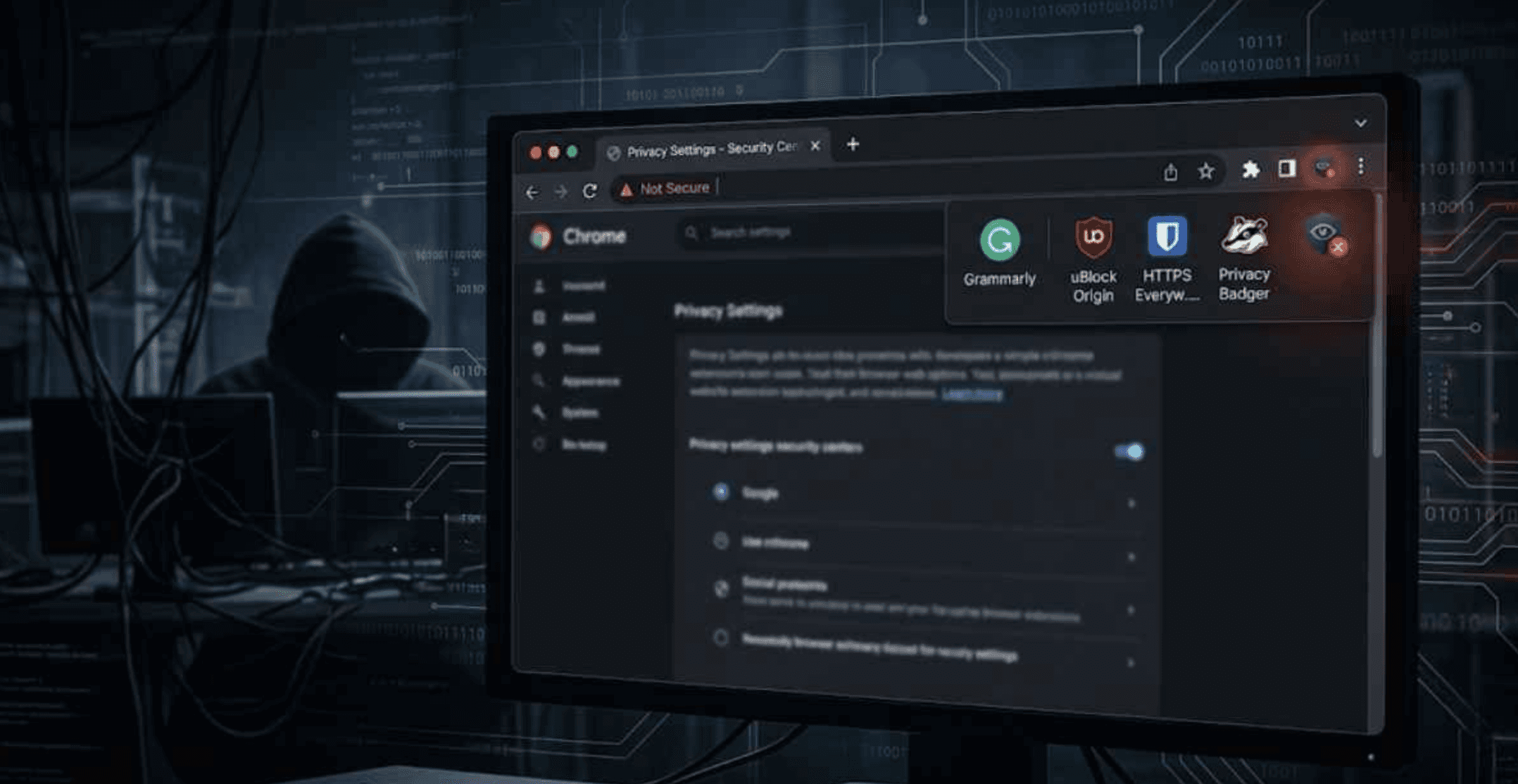
This is what makes “silent squatter” extensions dangerous. They sit quietly inside the browser, wait until users forget about them, and later begin harmful activity. This case study explains how this type of threat works, how it can be discovered, what risks it creates, and how users and organizations can protect themselves.
Why Browser Extensions Became a Hidden Risk?
Chrome extensions can improve the browsing experience, but they can also request powerful permissions. Some extensions can read website content, change pages, access browsing activity, or communicate with outside servers. When those permissions match the extension’s purpose, the risk may be reasonable. When a simple tool asks for access to all websites, it becomes a concern.
The problem is that many users install extensions quickly without checking permissions. A clean icon, a useful description, and a few good reviews are often enough to build trust. Once installed, the extension becomes part of the browser and is rarely reviewed again.
Silent squatter extensions take advantage of this habit. They behave normally at first, then activate later through an update, remote configuration, or hidden trigger. By the time strange behavior appears, users may not remember which extension caused it.
How the Suspicious Activity Surfaced?
The case began with small and scattered user reports. One person noticed unusual redirects in search results. Another saw a familiar login page briefly change before loading normally. A third reported slower browsing on work-related websites. None of these signs looked serious alone, but together they suggested something inside the browser was reacting to certain websites.
A review of browser network activity showed that several affected devices were contacting the same unknown domain. The traffic looked like normal configuration requests, but it became more active when users visited email, payment, cloud storage, and business dashboard pages.
Investigators then found one common extension installed on all affected browsers. It claimed to offer quick notes, text copying, and page-highlighting features. The extension looked normal and still worked as promised. However, it had been installed weeks before the suspicious behavior began, which matched the delayed attack pattern.
Inside the Investigation: What Researchers Found
The first red flag was permission overreach. The extension’s features were simple, but it requested broad access to many websites. A note-taking or copy tool should not need constant visibility into email, banking, or workplace platforms.
The second red flag was timing. The extension did not behave suspiciously immediately after installation. For the first few weeks, it only performed its visible functions. Later, it began receiving new instructions from a remote server.
Further analysis showed that the extension contacted a remote endpoint at regular intervals. At first, the server returned harmless settings. Later, it sent domain patterns and activation rules. These instructions told the extension when to become active and which websites to inspect.
In a controlled test, the extension stayed quiet on ordinary websites. But when users opened webmail, payment pages, or cloud dashboards, it checked page details and sent background requests. The most concerning part was that the visible features still worked, making the extension appear legitimate while hidden behavior continued.

Key Findings From the Case Study
The investigation revealed that the extension used delay as a hiding method. It waited long enough for users to trust it and forget when it was installed. This made it harder to connect later browser issues to the extension.
Another key finding was that broad permissions made the abuse possible. The extension’s purpose was narrow, but its access was wide. This mismatch is one of the clearest warning signs of a risky browser extension.
Remote configuration also made the threat flexible. The attacker could change targets without publishing a new extension version. The server could decide which websites to watch, when to activate collection, and when to stay quiet.
The extension was also selective. It did not act suspiciously on every website. It focused on higher-value pages such as email, payment services, cloud tools, and business platforms. This helped it avoid unnecessary noise and detection.

Real-World Impact: What Was at Risk
For individuals, silent squatter extensions can expose private browsing activity, login behavior, payment habits, and personal account details. Even if they do not steal passwords directly, they can collect enough information to support phishing, fraud, or account takeover.
For example, a shopping extension may work normally for weeks, then begin detecting visits to banking or payment pages. It may learn which bank a user uses, when they shop, and which payment services they access. That information can make future scams much more convincing.
For businesses, the risks are greater. Employees use browsers to access email, CRM systems, finance tools, HR portals, cloud dashboards, and internal platforms. A malicious extension can observe sensitive workflows without needing traditional malware.
A productivity extension, for example, could collect page titles and URL patterns from a CRM system. Even without downloading full records, it may expose customer names, deal details, or internal project references. This data can be used for targeted phishing or business intelligence theft.
Prevention Playbook: How to Stop Silent Squatters
Users should treat browser extensions like installed software. Before adding one, they should ask whether it is truly needed, whether the developer is trustworthy, and whether the permissions match the feature.
A simple safety checklist includes:
Remove extensions you do not use.
Avoid extensions from pop-ups, ads, or unknown links.
Check whether permissions match the extension’s purpose.
Be careful with tools that ask to read and change data on all websites.
Review extensions after updates or strange browser behavior.
Organizations should maintain an approved extension list and block unnecessary tools on work devices. Teams handling finance, HR, legal, engineering, and executive data should follow stricter controls.
Security teams should also monitor installed extensions, permission changes, update history, and browser traffic to unknown domains. Repeated calls to unfamiliar configuration servers can be an early warning sign.

Final Takeaway: Trust Should Not Be Permanent
Silent squatter Chrome extensions are dangerous because they wait before they steal. They appear useful, work normally, and then change behavior after users stop paying attention.
This case study from Vault Security shows why browser extensions should not be treated as harmless add-ons. They can access sensitive browsing activity and become a serious risk if permissions are too broad or behavior changes over time.
The best protection is simple: install fewer extensions, review permissions, remove unused tools, and monitor browser activity. Silent squatters succeed when users forget they exist. Regular extension review makes them visible again.








AI-native digital protection platform for modern users.






© 2026 Vault Security. All Rights Reserved.